
The rule in one sentence
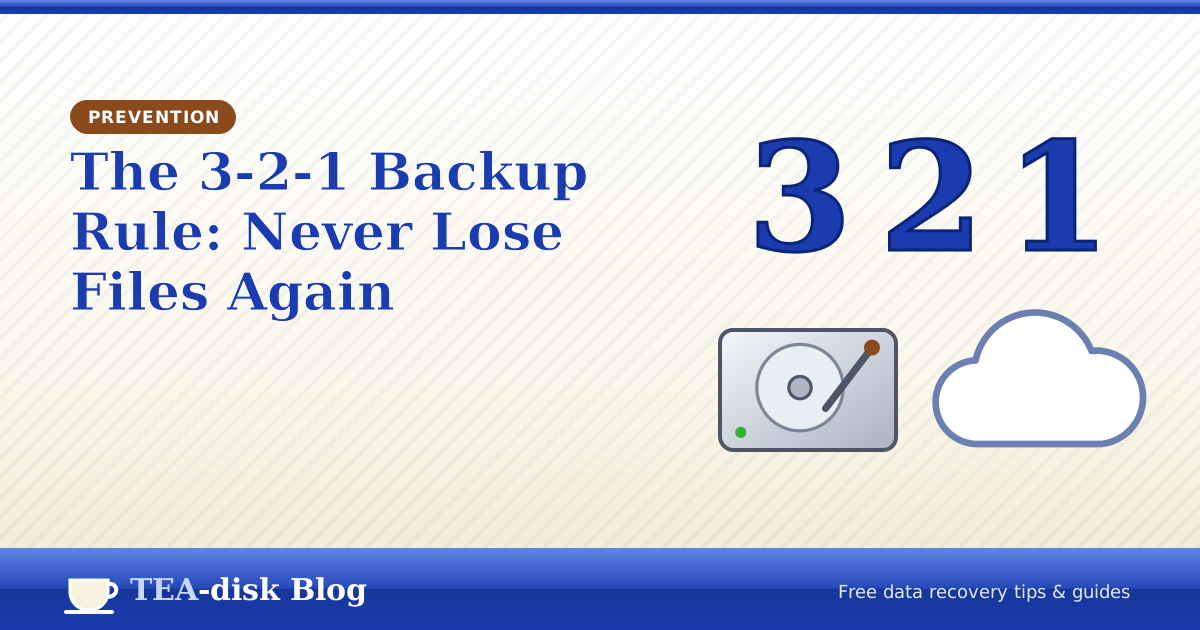
Keep 3 copies of your important files, on 2 different types of storage, with 1 copy in another place.
- 3 copies: the original plus two backups.
- 2 types of storage: for example your PC's disk and an external drive, so one hardware fault cannot take both.
- 1 off-site: a cloud service or a drive kept at another address, safe from theft, fire or flood.
Set it up on Windows
- Pick what matters: Documents, Pictures, Desktop and any work folders.
- Copy two: plug in an external drive and turn on File History (search the Start menu for it). It saves versions of your files every hour by default.
- Copy three: sync the same folders to a cloud service such as OneDrive, Google Drive or Dropbox.
- Test a restore once: open File History and bring back an old version of a file.
File History keeps versions, so it also protects you from accidentally saving over a document – something undelete tools cannot fix.
Photos from phones and cameras
Most lost memories come from SD cards and phones. Copy photos to your PC after every trip and let your cloud backup pick them up. Only then format the card in the camera. See our SD card recovery guide if something goes wrong.
Common backup mistakes
- Keeping the backup drive plugged in all the time – ransomware can encrypt it too.
- Sync is not backup: if you delete a file, a sync service may delete it everywhere. Use version history.
- Never testing a restore until the day you need it.
If disaster strikes before your backup is ready, TEA-disk is still there: it's free, read-only and works on hard disks, pendrives and memory cards.
Frequently asked questions
How often should I back up?
As often as you can afford to lose work. File History every hour plus continuous cloud sync covers most home users.
Is a second partition on the same disk a backup?
No. If the disk fails, both partitions are lost. Use a separate device.

Get your files back with TEA-disk
Free Download
Free, read-only recovery for hard disks, SSDs, pendrives and memory cards.
 How to Recover Deleted Files on Windows 10 and 11
 How to Recover Files After Emptying the Recycle Bin
 How to Recover Deleted Photos from an SD Card